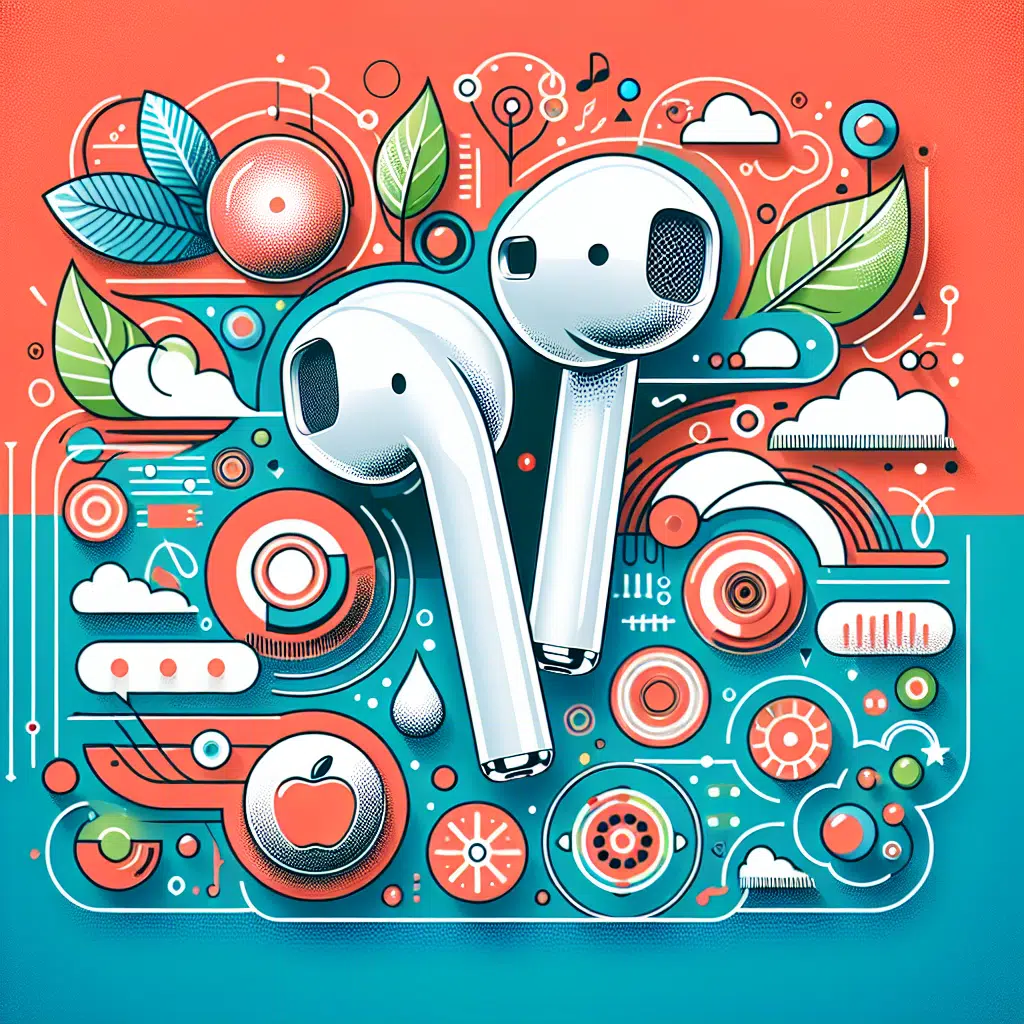
How To Apple Airpods
Apple AirPods have revolutionized how we experience audio on the go, merging convenience with cutting-edge technology. Whether you’re using them for music, calls, or workouts, mastering your AirPods can enhance your overall experience. This comprehensive guide will walk you through tips, tricks, and features that will help you unlock the full potential of your AirPods.
1. Understanding Your AirPods
Types of AirPods
Apple offers four distinct models:
- AirPods 1st and 2nd Generation: Feature a simple design and good sound quality at an affordable price.
- AirPods Pro: Incorporate active noise cancellation, customizable fit, and enhanced sound quality.
- AirPods Max: Over-ear headphones offering premium sound quality, superior comfort, and advanced noise cancellation.
Basic Setup
To set up your AirPods:
- Open the lid of the charging case near your iPhone.
- A setup animation will appear on your iPhone; follow the prompts to connect.
- Once connected, AirPods will sync with all your Apple devices using the same Apple ID.
2. Customizing Your Experience
Touch Controls
Apple’s innovative touch controls allow you to manage calls and music effortlessly. Here’s how to customize them:
For AirPods Pro:
- Press and hold the force sensor on the stem to toggle noise cancellation and transparency mode.
- In the Bluetooth settings, you can customize double-tap functions for each earbud.
- For AirPods (1st and 2nd Gen):
- Double-tap to play/pause music or answer calls. Customize this in the Bluetooth menu of your device.
Sound Settings
To optimize your sound experience:
- Spatial Audio: Available on AirPods Pro and AirPods Max, Spatial Audio uses dynamic head tracking to create an immersive audio experience.
- EQ Settings: Adjust the equalizer in Apple Music or the "Music" settings on your device for a tailored listening experience.
3. Managing Battery Life
Knowing how to maximize your AirPods’ battery life can ensure they last through the day:
Tips to Improve Battery Life
- Charge Regularly: Keep the charging case handy to ensure your AirPods are charged.
- Auto Ear Detection: This feature stops playback when you remove an AirPod. Make sure this is enabled in settings.
- Disable Active Noise Cancellation: If not needed, turn it off to save battery.
4. Leveraging Siri
With Siri integration, your hands-free experience becomes seamless. Utilize Siri for:
- Calling or messaging contacts
- Controlling music playback
- Getting directions or asking questions
To activate Siri, simply say “Hey Siri” or double-tap (if you have those settings enabled).
5. Troubleshooting Common Issues
Despite their reliability, you may encounter challenges with your AirPods. Here’s how to troubleshoot:
Connection Problems
- Ensure Bluetooth is enabled on your device.
- Reset your AirPods by holding the setup button on the case until the LED light flashes amber and then white.
Audio Issues
If you experience sound quality problems:
- Check the fit and ensure a good seal (especially important with AirPods Pro).
- Clean your AirPods and case to avoid debris affecting the sound.
Battery Drain
If your AirPods seem to drain quickly:
- Make sure you’re not using features unnecessarily (like noise cancellation).
- Reset your AirPods if the issue persists.
6. Exploring Advanced Features
Find My AirPods
If you misplace your AirPods, the "Find My" feature can help you locate them. Use the app on your iPhone or iCloud website.
Compatibility with Other Devices
While designed for Apple devices, AirPods work with Android and other Bluetooth-enabled devices. However, certain features like Siri and automatic pairing may not be available.
Share Audio
With more recent updates, you can share audio between two pairs of AirPods connected to a single iPhone, making it easy to enjoy music simultaneously with a friend.
Conclusion
Mastering your Apple AirPods unlocks a world of audio possibilities, from custom sound experiences to seamless device integration. With the tips, tricks, and features highlighted in this guide, you can elevate your listening experience and enjoy the magic of wireless audio. Whether you’re a casual listener or a tech enthusiast, your AirPods can become an indispensable part of your daily life. Happy listening!