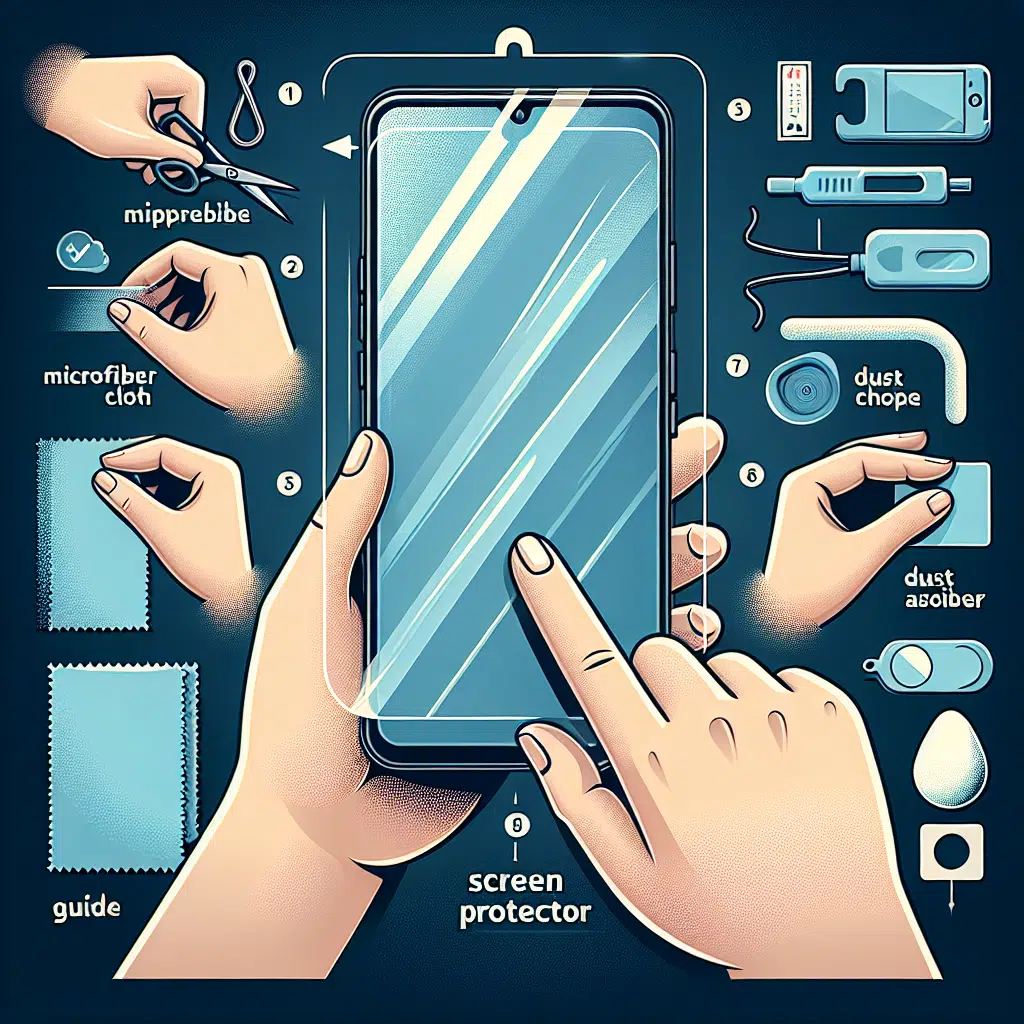
How To Screen Protector
A screen protector is an essential accessory for any smartphone or tablet user. It helps safeguard your device’s display from scratches, dirt, and cracks, ensuring it maintains its pristine condition. However, applying a screen protector can be a daunting task, especially with the risk of bubbles or misalignment. In this guide, we’ll walk you through the process step-by-step to ensure you achieve a flawless application.
What You’ll Need:
- A high-quality screen protector
- A clean microfiber cloth
- A dust removal sticker (often included with the screen protector)
- A credit card or similar flat object (for smoothing out bubbles)
- Clean workspace free of dust and debris
Step 1: Choose the Right Environment
Start by finding a clean, dust-free environment. Ideally, apply your screen protector in a room with low humidity and minimal airflow to reduce the chances of dust particles landing on your screen during the process. Turn off your device to avoid any accidental touches.
Step 2: Clean Your Screen
Using the microfiber cloth, gently clean your device’s screen. Make sure to remove any fingerprints, smudges, or dust. If you notice any persistent dirt, slightly dampen the cloth with a screen-safe cleaner and wipe the display clean. Dry it thoroughly before proceeding.
Step 3: Dust Removal
After cleaning, use the dust removal sticker to pick up any remaining dust particles. Gently press it down onto the screen and lift it off to ensure a spotless surface. Take your time in this step; even the tiniest speck of dust can cause bubbles under the protector.
Step 4: Position the Protector
Before removing the backing of the screen protector, take a moment to align it with your device’s screen. Most protectors come with alignment guides or cutouts for cameras and buttons that make it easier to position. Hold the protector by the edges to avoid touching the adhesive side.
Step 5: Remove the Backing
Once you’re satisfied with the alignment, carefully peel back the backing from the screen protector. Avoid touching the adhesive side; this ensures it stays clean and free from oils.
Step 6: Applying the Protector
Starting at the top edge, gently lower the screen protector onto your device’s screen. Allow it to naturally settle into place. If your screen protector is tempered glass, be careful not to press too hard at first, as it can shatter under excessive pressure.
Step 7: Bubble Removal
If you notice any bubbles while applying, use the credit card to gently push them toward the edges of the screen. Start from the center and work your way to the edges, applying light pressure. If the bubbles persist, lift the protector slightly above the area where the bubble is located, then smooth it back down.
Step 8: Final Touches
After ensuring all bubbles have been smoothed out, carefully check for any dust particles that may have been trapped under the screen protector. If you find one, you can try to remove the screen protector slightly from that edge and use the dust removal sticker again before re-securing it.
Step 9: Let It Settle
Once you’re satisfied with the application, give the screen protector some time to adhere properly. Allow it to sit for a few hours without using your device. This will help ensure a solid bond with the screen and minimize any chance of lifting.
Step 10: Enjoy Your Protected Screen
After waiting, turn your device on and enjoy your newly protected screen. Take a moment to appreciate the clarity and feel of your display, protected from the ravages of everyday use.
Conclusion
Applying a screen protector doesn’t have to be a difficult task. With the right preparation and careful execution, you can achieve a flawless application that keeps your device looking brand new. Whether you opt for a film or tempered glass protector, following these steps will ensure your screen remains safe from scratches and cracks. Happy protecting!