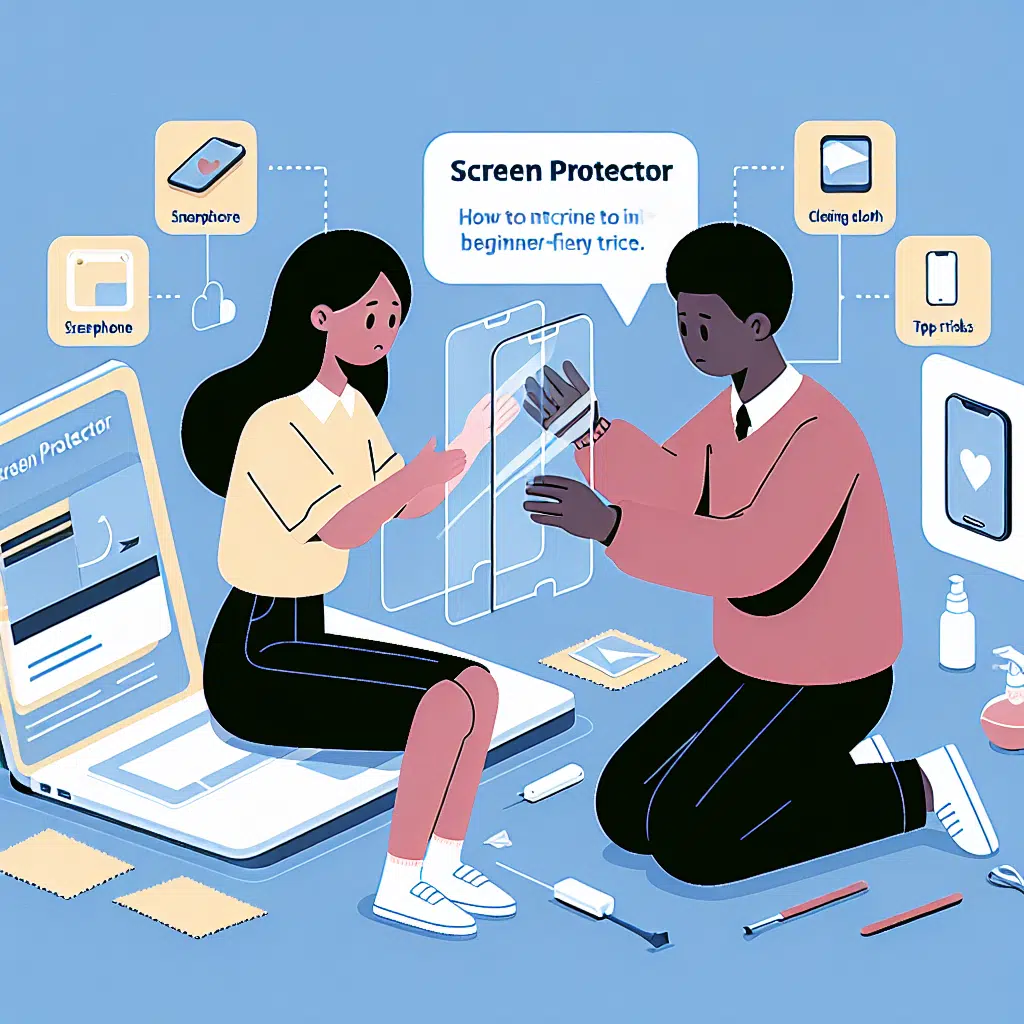
Screen Protector For Beginners
In our digital age, smartphones and tablets have become indispensable tools in our daily lives. With their sleek designs and touch-screen capabilities, these devices are prone to scratches, cracks, and other damage. Enter screen protectors—a simple yet effective solution to keep your device’s screen looking pristine. If you’re a beginner looking to safeguard your device, this guide will cover everything you need to know about screen protectors.
What is a Screen Protector?
A screen protector is a thin layer of material placed on the surface of a device’s screen to protect it from scratches, smudges, and cracks. They are designed to be easily applied and removed, offering a protective barrier without significantly altering the look or feel of your device.
Types of Screen Protectors
Plastic Film Protectors
- Material: Made from PET (polyethylene terephthalate) plastic.
- Pros: Affordable, easy to apply, and offers basic scratch protection.
- Cons: Less durable than glass protectors and may wear out over time.
Tempered Glass Protectors
- Material: Made from thicker, chemically-treated glass.
- Pros: Superior protection against drops and impacts, better clarity, and retains the device’s touch sensitivity.
- Cons: More expensive, can be thicker than plastic film, and may shatter upon heavy impact.
- Liquid Screen Protectors
- Material: Nano-coating that bonds with the screen.
- Pros: Easy to apply, doesn’t add bulk, and can enhance glass durability.
- Cons: May not provide as much protection against impacts as glass or film.
Choosing the Right Screen Protector
When selecting a screen protector, consider the following factors:
Device Compatibility: Make sure the screen protector is designed specifically for your device model.
Protection Level: Determine your lifestyle. If you’re prone to drops, a tempered glass protector is likely your best bet. For everyday use, a plastic film might suffice.
Transparency and Clarity: Check reviews to ensure the protector maintains the screen’s brightness and color accuracy.
Touch Sensitivity: Ensure that the protector allows for smooth scrolling and responsiveness.
- Ease of Installation: Some protectors come with installation kits that make the process easier. Look for products with user-friendly instructions.
Application Process
Installing a screen protector might seem daunting, but with a bit of care, you can do it yourself. Here’s a step-by-step guide:
Clean Your Screen: Use a microfiber cloth and a screen cleaner to remove any dust, fingerprints, or oils.
Align the Protector: Without removing the adhesive layer, hold the screen protector over your device to check alignment.
Peel and Stick: Remove the adhesive backing and gently place the screen protector on your device’s screen, starting from one edge and working your way across.
Smooth Out Air Bubbles: Use a credit card or a similar object to push out any air bubbles, working from the center outward.
- Final Inspection: Ensure that the protector is properly aligned and has no dust or bubbles before using your device.
Maintenance and Care
Keep It Clean: Regularly wipe the screen protector with a microfiber cloth to prevent scratches and ensure clarity.
Avoid Harsh Chemicals: Use gentle cleaners designed for screens to avoid damaging the protector.
- Check for Damage: Regularly inspect the protector for scratches or cracks, and replace it if necessary.
Benefits of Using a Screen Protector
Prevents Scratches: A screen protector acts as a barrier against everyday wear and tear.
Enhances Resale Value: A flawless screen can significantly increase the resale value of your device.
Improved Comfort: Many protectors come with an anti-glare finish that can reduce reflection and eye strain.
- Easy Replacement: If your screen protector gets damaged, it can be easily replaced without the cost of a professional repair.
Conclusion
Choosing the right screen protector is a crucial step in maintaining the longevity of your device. With so many options available, finding one that meets your needs doesn’t have to be overwhelming. Whether you opt for plastic film, tempered glass, or a liquid protector, taking a proactive approach to screen care will keep your device looking new for years to come. So, equip yourself with this knowledge and confidently protect your investment!