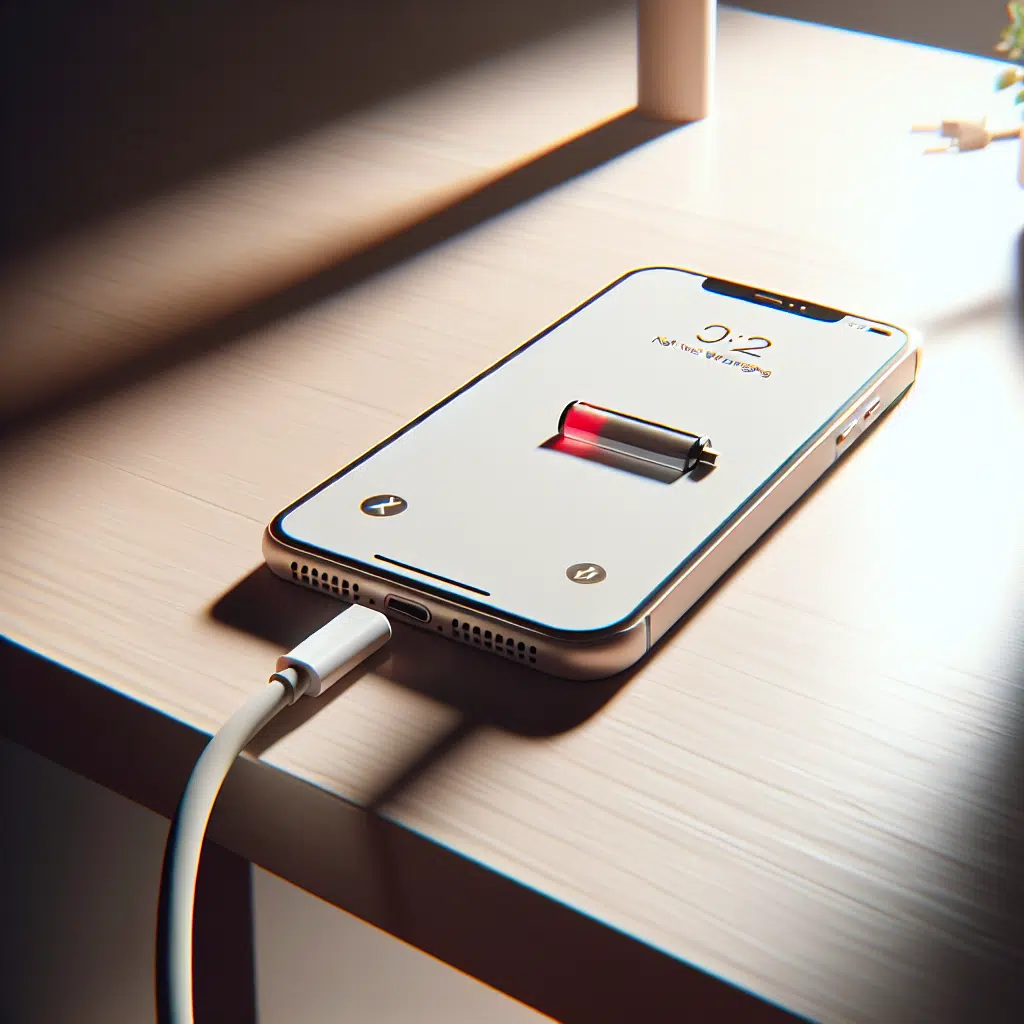
Iphone Not Charging Not Working
Having trouble with your iPhone not charging can be incredibly frustrating, especially when you rely on your device for communication and convenience. Before you rush off to the nearest repair shop, it’s worth troubleshooting your device. Here are ten common reasons your iPhone isn’t charging, along with practical solutions for each issue.
1. Faulty Lightning Cable
Issue: Over time, your charging cable can become damaged, leading to inconsistent charging.
Fix: Inspect your Lightning cable for frays, bends, or breaks. Try using a different Lightning cable to see if that resolves the issue. Always use an Apple-certified cable to avoid compatibility problems.
2. Dirty Charging Port
Issue: Dust, lint, or debris can accumulate in your iPhone’s charging port, preventing a proper connection.
Fix: Use a soft, dry toothbrush or a can of compressed air to gently clean out the charging port. Be careful not to damage any internal components.
3. Damaged Charging Port
Issue: Physical damage to the charging port can hinder charging capability.
Fix: Examine the charging port for any visible damage or bent pins. If it looks damaged, professional repair might be necessary.
4. Software Glitches
Issue: Sometimes, software issues can interfere with charging.
Fix: Restart your iPhone by pressing and holding the side button and the volume up or down button, then sliding to power off. If the problem persists, try updating your iOS by going to Settings > General > Software Update.
5. Low Power Mode Activated
Issue: If Low Power Mode is on, your iPhone may not charge as expected, especially with a low-capacity charger.
Fix: Deactivate Low Power Mode by going to Settings > Battery and turning it off. This may improve charging efficiency.
6. Incompatible Wall Adapter
Issue: Using a non-compatible power adapter can prevent your iPhone from charging properly.
Fix: Use the original wall adapter that came with your device or a certified alternative. Ensure it’s suitable for your iPhone model, especially if you’re using a more powerful charger.
7. Battery Health Issues
Issue: If your battery is aging or damaged, it may not accept a charge effectively.
Fix: Check your battery health by navigating to Settings > Battery > Battery Health. If the Maximum Capacity is significantly lower than 100%, consider replacing the battery.
8. Charging with a Computer
Issue: Charging from a computer USB port may not deliver enough power to charge your iPhone.
Fix: Always use a wall outlet for charging whenever possible. If you must charge through a computer, ensure that it is powered on and that the USB port is functioning properly.
9. External Factors
Issue: Temperature extremes can affect charging. iPhones are designed to operate within a specific temperature range.
Fix: If your iPhone is too hot or too cold, it may refuse to charge. Move it to a more moderate environment and try charging again after letting it adjust to room temperature.
10. Defective Battery
Issue: A completely non-functional battery will prevent your iPhone from charging at all.
Fix: If your iPhone won’t charge despite trying all the above fixes, it’s advisable to seek professional help. An Apple Store or authorized repair center can diagnose and replace a defective battery.
Conclusion
Experiencing charging issues with your iPhone can be a source of aggravation, but understanding the common culprits can help you troubleshoot effectively. Before panicking and seeking costly repairs, go through this list and attempt the suggested fixes. If all else fails, reaching out to Apple Support is always a viable option to explore further solutions. Remember, a little maintenance and care can go a long way in prolonging the life of your device!