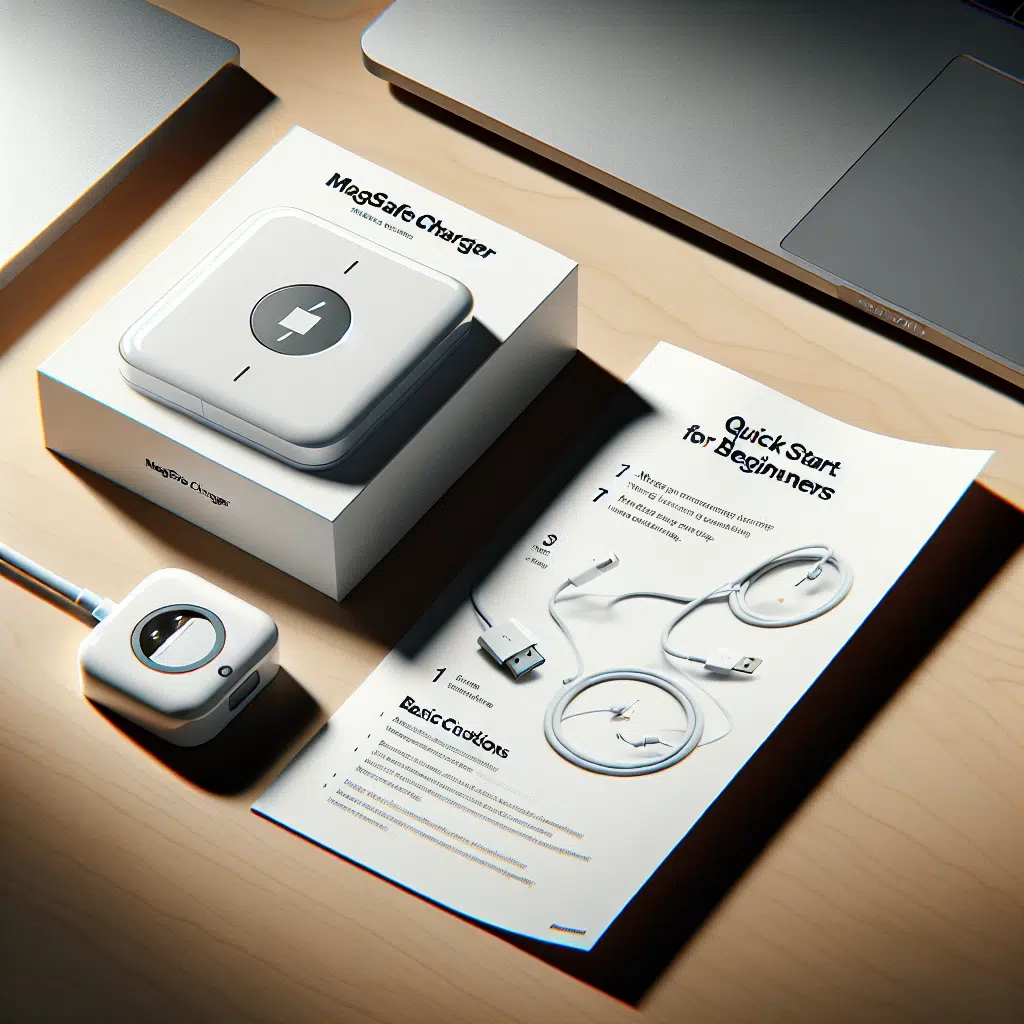
Magsafe Charger For Beginners
As technology continues to evolve, so too does our approach to charging devices. Among the latest innovations is MagSafe, Apple’s magnetic wireless charging technology designed for seamless convenience and efficiency. Whether you’re new to the concept or simply looking to understand it better, this guide will equip you with everything you need to know about MagSafe charging.
What is MagSafe?
MagSafe is a magnetic connection technology that Apple initially introduced for MacBooks and later adapted for iPhones and accessories. Launched with the iPhone 12 series, MagSafe allows for an easy-to-align wireless charging experience. Using magnets built into both the device and the charger, MagSafe ensures a secure connection and faster charging speeds.
Why Choose MagSafe?
1. Wireless Convenience
Gone are the days of fumbling with cables. MagSafe chargers allow you to simply place your iPhone on the charger, and the magnets will snap it into place.
2. Faster Charging Speeds
With MagSafe, you can achieve 15W of power, which is significantly faster than traditional wireless chargers. This means less time tethered to the charger and more time enjoying your device.
3. Versatile Accessories
MagSafe isn’t just about charging. With a range of accessories specifically designed for it—such as wallets, battery packs, and cases—you can customize your iPhone experience.
How Does MagSafe Work?
MagSafe operates using a series of small magnets placed around the inner rim of the iPhone and the corresponding charger. This design allows for proper alignment for optimal charging. Here’s a brief breakdown of how it operates:
- Magnetic Alignment: The magnets in the charger and the phone snap into alignment effortlessly.
- Qi Standard: MagSafe is built upon the existing Qi wireless charging standard, meaning it is compatible with a variety of other Qi chargers, though at slower speeds.
- Smart Technology: MagSafe includes built-in chips that communicate between the device and charger to optimize the charging process and prevent overheating.
Getting Started with MagSafe
1. Choosing a Charger
When selecting a MagSafe charger, you have options. The official Apple MagSafe Charger is a great starting point, but there are various third-party options available:
- MagSafe Duo Charger: Designed for both iPhone and Apple Watch, making it perfect for on-the-go users.
- MagSafe Battery Pack: An excellent choice for those who frequently use their phone away from an outlet.
2. Using MagSafe
- Align Your Device: Simply place your iPhone on the MagSafe charger. The magnets will automatically align it for optimal charging.
- Add Accessories: Feel free to attach MagSafe-compatible accessories, like a wallet or case, for added functionality.
3. Keeping It Clean
While MagSafe technology is robust, keeping both your charger and device clean enhances performance. Regularly wipe both surfaces with a soft, lint-free cloth to remove dust and debris.
Troubleshooting Common Issues
1. Not Charging
If your iPhone isn’t charging, ensure the charger is plugged into a compatible power source and that both surfaces are clean.
2. Heat Generation
MagSafe may generate heat during charging. If your device feels excessively hot, try removing the case or placing it in a cooler environment.
3. Accessory Compatibility
Ensure that any accessories you use are MagSafe-certified to guarantee compatibility and optimal performance.
Conclusion
With its intuitive design and versatility, MagSafe revolutionizes the way we charge and interact with our devices. Whether you’re a tech novice or a seasoned pro, understanding how to effectively use MagSafe can enrich your Apple experience. As you delve into the world of wireless charging, embrace the possibilities MagSafe offers and enjoy the freedom of a cable-free lifestyle. Happy charging!