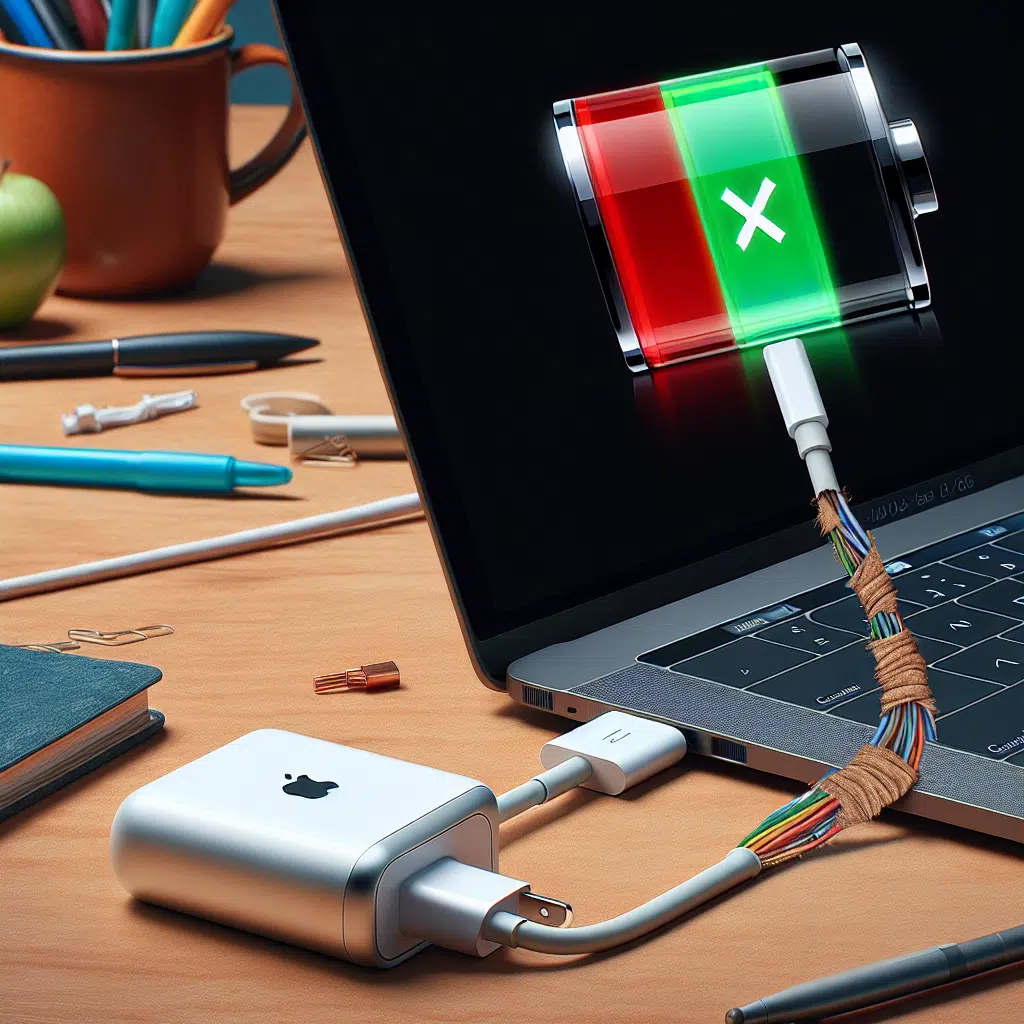
Magsafe Charger Issue
Apple’s MagSafe technology, first introduced with the iPhone 12 and expanded across various devices like MacBooks and AirPods, has revolutionized the way we charge and connect our devices. Despite its innovation, many users have reported issues that can hinder the MagSafe experience. This article explores common MagSafe malfunctions and provides practical solutions to troubleshoot and rectify these problems.
Common MagSafe Issues
1. Weak Connection
Symptoms:
- The device struggles to connect to the charger.
- The MagSafe magnet does not hold securely.
Causes:
- Dirt or debris on the charging port.
- Misalignment of the charger and device.
Solutions:
- Clean the Connectors: Use a soft, lint-free cloth to clean both the MagSafe connector and the device’s contact points. Use a can of compressed air to blow out any debris from the charging port.
- Check Alignment: Make sure that the charger is properly aligned with the device. Adjusting the positioning may help establish a stronger connection.
2. Charging Inconsistencies
Symptoms:
- The device turns on and off repeatedly while charging.
Causes:
- Fluctuations in power supply.
- Faulty MagSafe charger or cable.
Solutions:
- Test Different Outlets: Try plugging the MagSafe into different wall outlets to eliminate any electrical issues from the original source.
- Inspect the Charger: Check for signs of wear or damage on the charger and cable. If found, consider replacing the charger.
3. Overheating
Symptoms:
- The device becomes unusually warm during charging.
Causes:
- High ambient temperatures.
- Heavy device usage while charging.
Solutions:
- Remove Cases: If you’re using a thick or insulated case, consider removing it while charging to allow for better heat dissipation.
- Charge in Cooler Environments: Ensure that the charging occurs in a cool area. Avoid charging in direct sunlight or areas with poor ventilation.
4. Not Recognizing the Charger
Symptoms:
- The device does not recognize the MagSafe charger, displaying a "not charging" notification.
Causes:
- Software glitches.
- Malfunctioning charger.
Solutions:
- Restart the Device: Sometimes, a simple restart can clear any temporary bugs that might prevent proper charging.
- Update Software: Make sure that your device has the latest software updates installed as these may contain fixes for charging issues.
- Test Other Chargers: If possible, test your device with another MagSafe charger to determine whether the issue lies with the charger or the device itself.
5. MagSafe Fails To Charge
Symptoms:
- The charger does not provide any power to the device.
Causes:
- A damaged charging cable or adapter.
- Malfunctioning device battery.
Solutions:
- Inspect and Replace Cables: Examine your MagSafe cable and adapter for visible damage. If any damage is discovered, replace the components.
- Inspect Device Battery: Older devices may have degraded batteries. If the battery is the issue, it may be time for a replacement.
6. Interference from Other Accessories
Symptoms:
- Regularly unresponsive or inconsistent charging when using other accessories such as battery packs or magnetic car mounts.
Causes:
- Magnetic interference from other accessories.
Solutions:
- Remove Other Accessories: Temporarily remove any magnetic accessories to see if charging improves. If it does, consider using non-magnetic alternatives.
Conclusion
MagSafe technology is designed to simplify the way we charge and power our devices, but malfunctions can occur. By understanding common issues and applying the suggested solutions, you can enhance your experience and ensure that your devices stay charged efficiently. If problems persist despite troubleshooting, it may be advisable to consult an Apple technician or visit a certified service provider. As always, maintaining your hardware and keeping it clean will help in a long-lasting, seamless MagSafe experience.